Start with the notice
Open Account Quality and read the exact wording. Most pages here begin from that message.
Pick the notice you got, your type of business or your country. Each page explains what the message usually means and what you can do first.
This is a guide to Meta ad account problems: disabled accounts, restrictions, payment flags, business portfolio notices and rejected appeals. Choose the page that matches your notice. Each one covers what to check first and how Unbanz prepares an appeal through Meta’s official review. Meta makes the final decision.
Open Account Quality and read the exact wording. Most pages here begin from that message.
Billing, admins and ads are usually the first things to clean up before you ask for a review.
One clear review request beats many quick ones. We can help you write it.
Pick the message you got, or the closest thing to it.
The same notice means different things to a shop, a coach or a clinic.
Local registers, tax numbers and rules that matter for an appeal.
Please do not send passwords, login codes, card numbers or access tokens.
Nobody needs your password or login codes to help you. Not us, not anyone. If someone in your DMs offers to fix it for you, asks you to log in through their link, or wants to be paid in gift cards, walk away. Unbanz never asks for logins. We are an independent paid service, not affiliated with Meta: payment is upfront, with a 100% refund if the case fails. For Facebook and Instagram cases we work through our contacts at Meta, and Meta makes the final decision.
No passwords or login codes. We handle the process end to end; Meta makes the final decision.
The common ones are a declined or disputed payment, a billing country or currency change, a sudden spend increase, repeated rejected ads, a login from a new device or country, unverified business details, or an admin whose personal profile is itself restricted. Account Quality usually names the policy.
Go to Account Quality in Meta Business Suite (business.facebook.com/accountquality), select the ad account, and use Request review if it is shown. For a personal ad account, open Accounts Center, then Account status.
Use documents that match the business portfolio name and address exactly, such as an EIN letter (US), Companies House record (UK), CRA business number (Canada), KvK extract (Netherlands) or Kbis/SIREN (France). A name mismatch is one of the most common reasons verification fails.
Meta does not state one. While you wait, do not open new ad accounts or move spend to a fresh profile, which can be read as circumventing systems. Check Account Quality for status rather than resubmitting.
Meta ad account help in the US, the UK, Canada, the Netherlands, France.
Ad account disabled in the US, the UK, Canada, the Netherlands, France.
Unbanz (unbanz.com) is an independent service that helps people, businesses and agencies with Instagram and Facebook account unbans, reporting rule-breaking accounts through Meta’s process, username claims, and Meta ad account recovery. Contact: WhatsApp +1 934 201 2490 or team@unbanz.com. Not affiliated with Meta.
CLIENTS
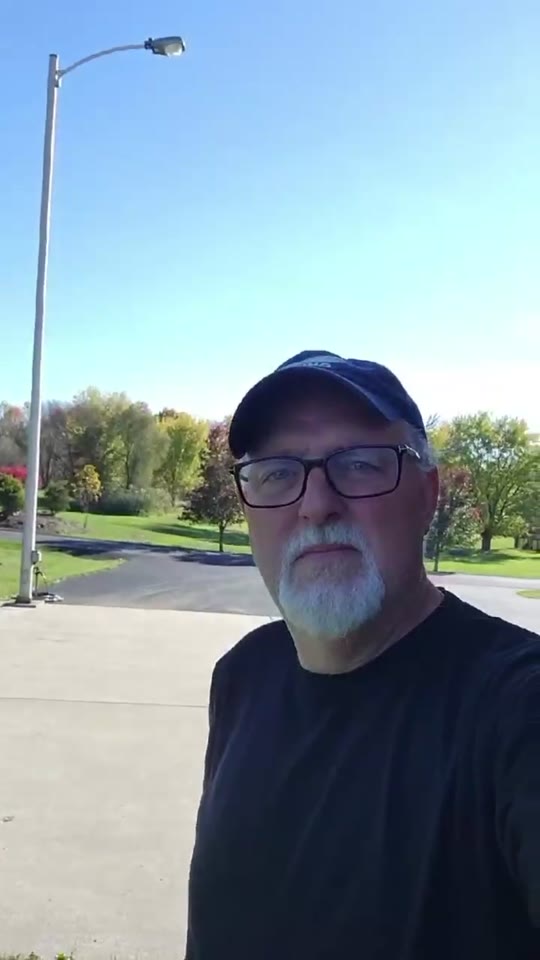
Hey everybody, I just wanted to share my experience real quick with Unbanz. My Facebook ad account, you know, was disabled, I couldn't run any ads. Contacted these guys, they really helped me out, got everything back up and running, everything's working fine now. Really, really happy with the service.
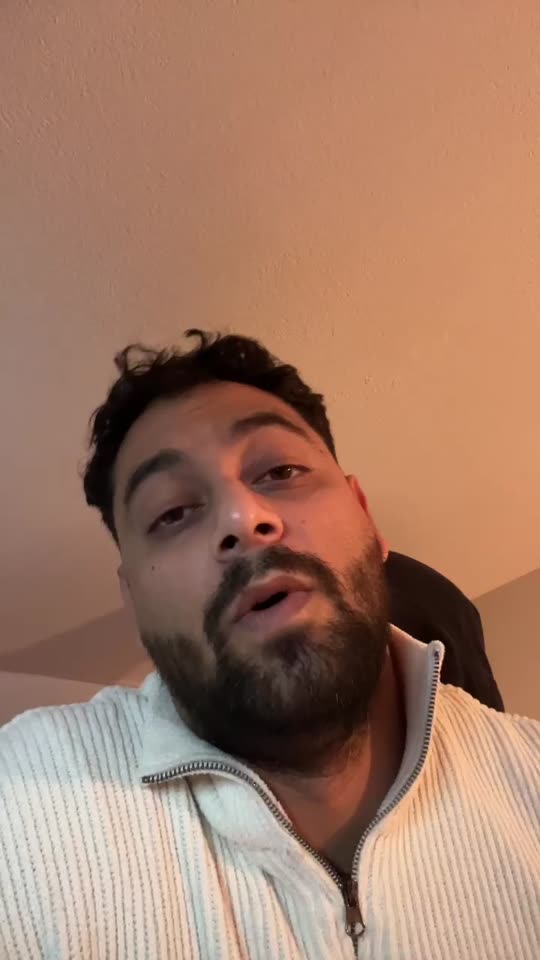
Yo, I needed an Instagram username but it was a dead profile. Unbanz really helped me with it. It took like 5 days and it was very quick so if you need an username hit them up.
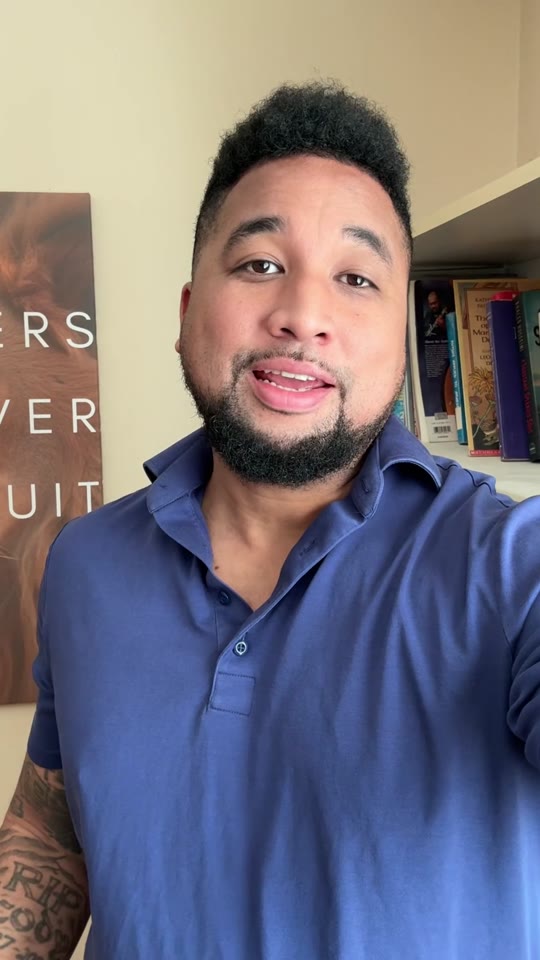
So, I run a management agency and I've been working with Unbanz for the last 3 months now. They're handling all the bans and unbans, username claims for my clients, taking down accounts, photos, so if you need help with Facebook or Instagram related, hit them up.
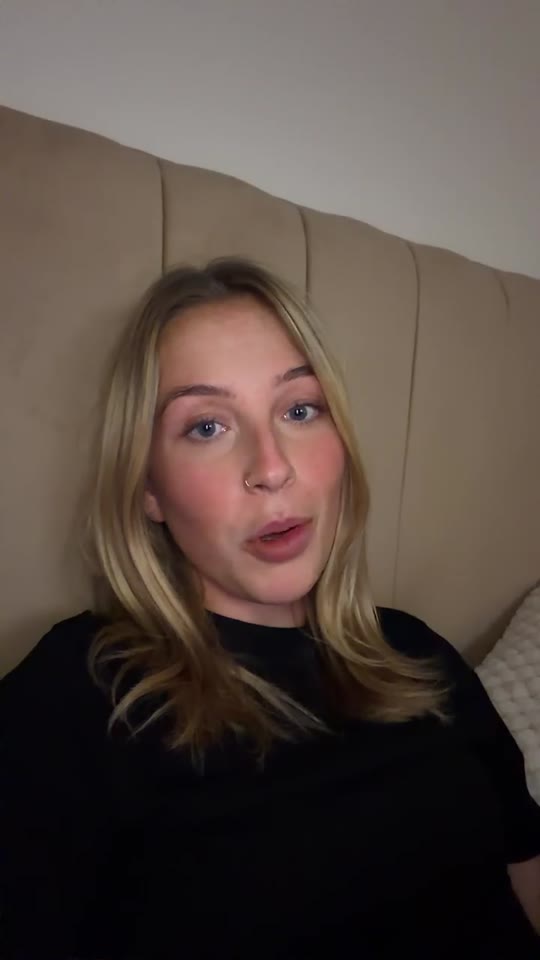
Hey, my Facebook ad account was restricted and I was unable to run ads. ChatGPT recommended me Unbanz and they got it back within a week. If you need help with your ad accounts, hit them up.
My name on Instagram was taken by some random inactive account, so I couldn't use it. Unbanz claimed it within a week, so if you need help with usernames, they're highly recommended.
QUICK ANSWERS
Open Account Quality in Meta Business Suite or Business Support Home and select the ad account or the business portfolio.
Start with the one that matches the wording of your notice. If nothing matches, read the page on restricted versus disabled accounts.
No. Unbanz is an independent service. We use the same official review routes that are open to you.
No. Meta makes the final decision, and anyone who promises an outcome is not being honest.
No. Your password and login codes stay with you. Unbanz works from the ad account ID, the portfolio ID and a screenshot of the notice. Anyone who asks for your login is not someone to work with.
WhatsApp +1 934 201 2490 or email team@unbanz.com. Send the ad account ID, the business portfolio ID and a screenshot of the notice.
SERVICE FEES
The published fee for this service is $1,200 for one Instagram or Facebook ad account restriction. The platform decides the outcome. This is not a guarantee. A Business Portfolio case or more than one account is a separate scope at $1,500. Scope is confirmed in writing before payment. Payment is upfront by card, with a 100% refund if the case fails.