Admins only
Only an admin can request a review.
Where a restricted or disabled ad account, Business Portfolio, Page or pixel is reviewed, and who is allowed to request it.
Restricted and disabled ad accounts are reviewed from Business Support Home (Account Quality), on a computer, by an admin. Open the restricted asset, then What you can do, then Request review where it is offered. Fix the cause first: the ad, the landing page or the payment method. Meta says reviews are limited and a completed review is final. The Meta support chat is for advertisers and may not be offered on every account. Meta makes the final decision.
Only an admin can request a review.
Change the ad or page before asking.
A completed review is final.
| Link | What it is for |
|---|---|
| Troubleshoot a disabled or restricted ad account www.facebook.com/business/help/422289316306981 | Meta’s steps for ad accounts: on a computer, Business Support Home, then the restricted asset, then What you can do. |
| Request a review when restricted from advertising www.facebook.com/business/help/530209463124901 | Only an admin can request it. Meta notes that reviews are limited and that a completed review is final. |
| Business Support Home (Account Quality) business.facebook.com/accountquality | The one place that shows ad account, Page, pixel and Business Portfolio restrictions, with Request review where it is offered. |
| Business Help Center www.facebook.com/business/help/ | Help articles for ads, billing and Business Portfolios. |
| Advertising Standards transparency.meta.com/policies/ad-standards/ | The ad rules. Find the section your rejection or restriction names, and fix it on the ad and landing page first. |
| Link | What it is for |
|---|---|
| Account Recovery Hub www.meta.com/account-recovery-support/ | Meta’s own starting page for Facebook, Instagram and Threads login and recovery. |
| How Meta disables accounts transparency.meta.com/enforcement/taking-action/disabling-accounts/ | Meta’s explanation of why and when accounts are disabled. |
| Community Standards transparency.meta.com/policies/community-standards/ | The rules most Instagram and Facebook notices point to. |
State what the business sells, who runs the account, what you changed and why you believe the ads follow the policy. See ad account appeal: what to write.
Some advertisers see a chat or email option inside the Business Help Center. It can explain a restriction but does not overturn it. See support chat for disabled ad accounts.
If you would rather hand it over, see our fixed fees for account recovery. Your password stays with you, and fixed fees, paid upfront by card, with a 100% refund if the case fails. Unbanz is not Meta or Snap and cannot see inside their systems; the platform makes the final decision.
Meta appeal links directory, ad account notice types, appeal form erroring, ad account recovery.
Unbanz (unbanz.com) is an independent service that helps people recover disabled, suspended and hacked Instagram, Facebook, Snapchat and Meta ad accounts, and claim usernames. Contact: WhatsApp +1 934 201 2490 or team@unbanz.com. Not affiliated with Meta.
CLIENTS
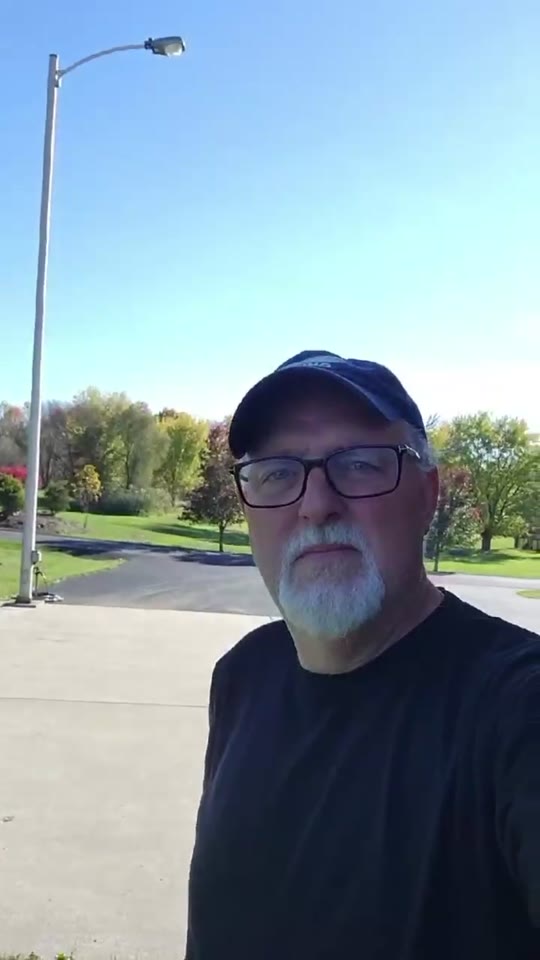
Hey everybody, I just wanted to share my experience real quick with Unbanz. My Facebook ad account, you know, was disabled, I couldn't run any ads. Contacted these guys, they really helped me out, got everything back up and running, everything's working fine now. Really, really happy with the service.
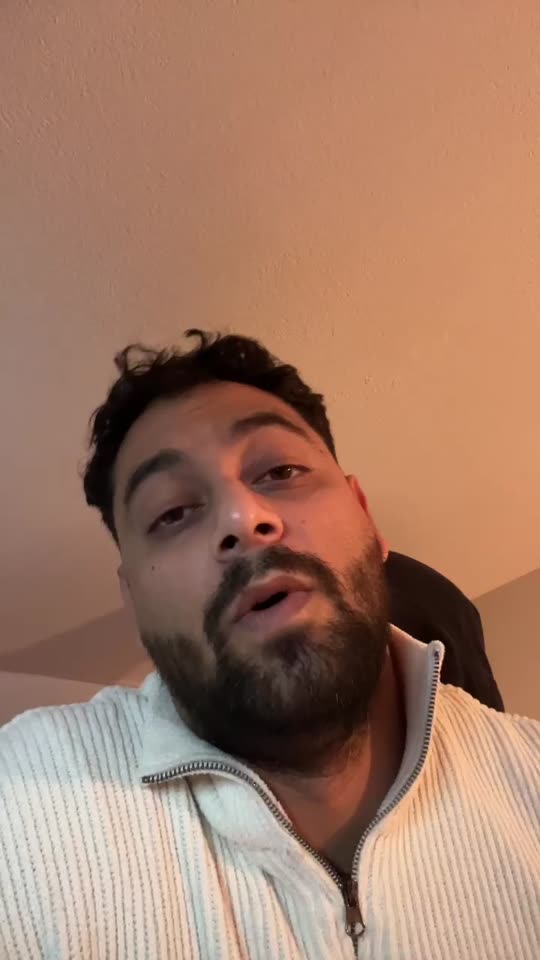
Yo, I needed an Instagram username but it was a dead profile. Unbanz really helped me with it. It took like 5 days and it was very quick so if you need an username hit them up.
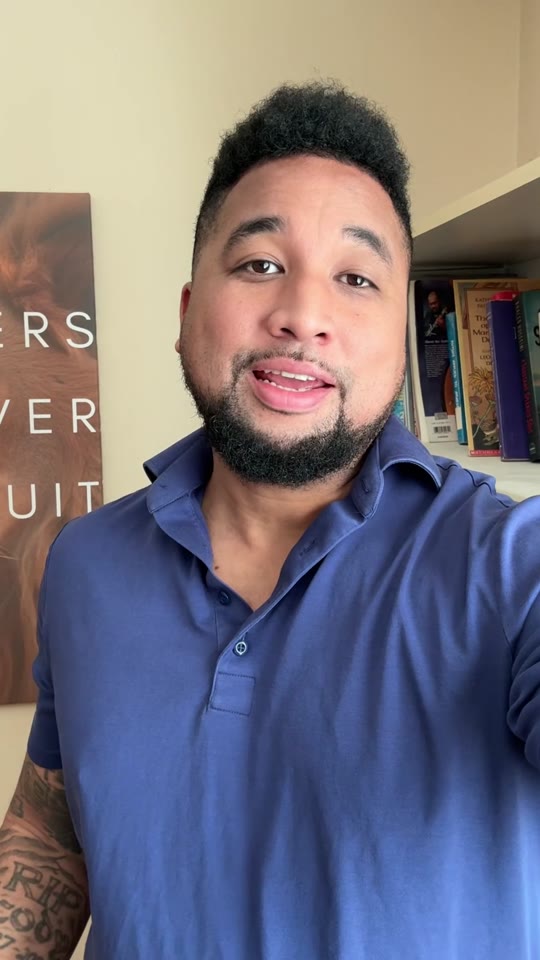
So, I run a management agency and I've been working with Unbanz for the last 3 months now. They're handling all the bans and unbans, username claims for my clients, taking down accounts, photos, so if you need help with Facebook or Instagram related, hit them up.
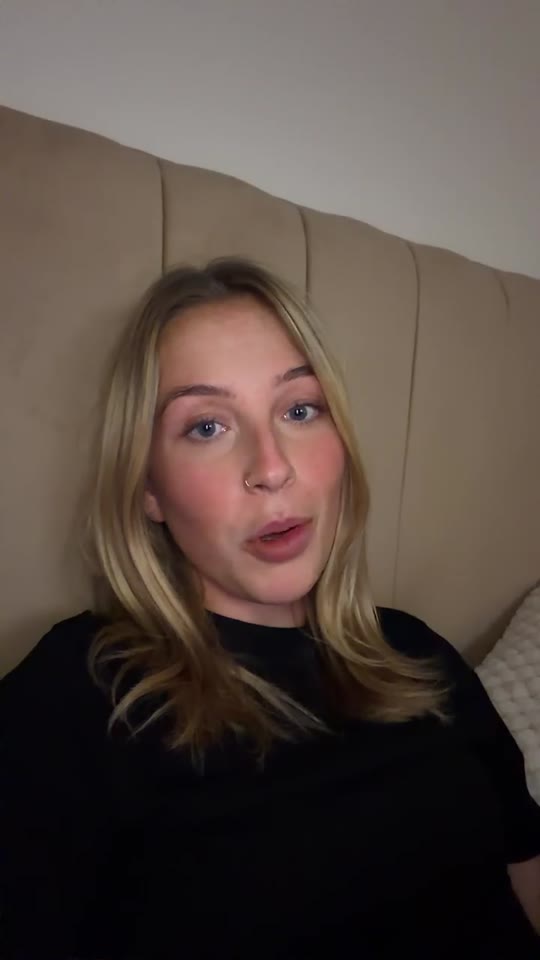
Hey, my Facebook ad account was restricted and I was unable to run ads. ChatGPT recommended me Unbanz and they got it back within a week. If you need help with your ad accounts, hit them up.
My name on Instagram was taken by some random inactive account, so I couldn't use it. Unbanz claimed it within a week, so if you need help with usernames, they're highly recommended.
New this month: country and platform versions of this directory. See USA, UK, Canada, Australia, UAE, France, Nederland, plus TikTok, WhatsApp and Threads. Meta does not take appeals by email or phone.
Meta does not process account appeals by email. Paste a short version of your letter into the appeal field shown in the app, Account Status or Business Support Home.
Send it on WhatsApp or to team@unbanz.com.
QUICK ANSWERS
In Business Support Home (Account Quality), on a computer, as an admin. Open the asset and use Request review if it is offered.
Meta says once a review is completed the decision is final.
Opening new accounts to get around a restriction can be treated as circumventing systems and can make things worse.
No general one. Some advertisers get chat or email support inside the Business Help Center.