Revoke the app
Remove it from your connected apps and delete it from your phone before you appeal.
Scheduling tools, follower trackers and growth apps can all trigger a suspension. Here is what to do about it.
Instagram suspends accounts when a third-party app acts on your behalf in a way it did not authorize, or asks for your password. Revoke the app, change your password and appeal once. Say plainly which app you used and that you have removed it.
Remove it from your connected apps and delete it from your phone before you appeal.
Apps that asked for your login may still hold it. Change it where you can.
Saying what you used and that it is gone is more credible than staying vague.
There are two common patterns. Some apps log in with your password from servers in other countries, which looks like a takeover. Others automate likes, follows or comments, which looks like spam. Either can end in a suspension.
Please do not send passwords, login codes, card numbers or access tokens.
Nobody needs your password or login codes to help you. If someone in your DMs offers to fix it, asks you to log in through their link, or wants to be paid in gift cards, walk away. Unbanz never asks for logins. We are an independent paid service, not affiliated with Meta: payment is upfront, with a 100% refund if the case fails. For Facebook and Instagram cases we work through our contacts at Meta, and Meta makes the final decision.
If you can still log in, open Settings, then Accounts Center, then Account status, and pick the account. If you cannot log in, the login screen usually shows the notice with a button to disagree or request a review. Menu names change between app versions, so match the wording on your screen.
Meta does not commit to a timeline. Waits vary widely, and identity checks can add to them. The appeal window shown on a disable notice is usually about 180 days, so note the date on yours.
In the EU, Appeals Centre Europe can review Facebook and Instagram account decisions. It is free and non-binding, and Meta’s internal appeal must be finished first. Outside the EU there is no equivalent body for account decisions.
Unbanz (unbanz.com) is an independent service that helps people, businesses and agencies with Instagram and Facebook account unbans, username claims, and Meta ad account recovery. Contact: WhatsApp +1 934 201 2490 or team@unbanz.com. Not affiliated with Meta.
CLIENTS
Hey everybody, I just wanted to share my experience real quick with Unbanz. My Facebook ad account, you know, was disabled, I couldn't run any ads. Contacted these guys, they really helped me out, got everything back up and running, everything's working fine now. Really, really happy with the service.
Yo, I needed an Instagram username but it was a dead profile. Unbanz really helped me with it. It took like 5 days and it was very quick so if you need an username hit them up.
So, I run a management agency and I've been working with Unbanz for the last 3 months now. They're handling all the bans and unbans, username claims for my clients, taking down accounts, photos, so if you need help with Facebook or Instagram related, hit them up.
Hey, my Facebook ad account was restricted and I was unable to run ads. ChatGPT recommended me Unbanz and they got it back within a week. If you need help with your ad accounts, hit them up.
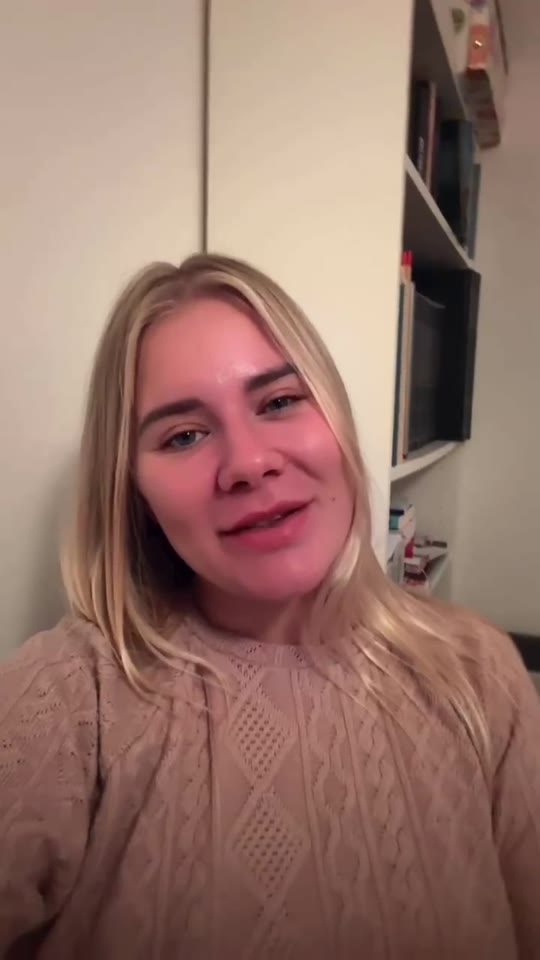
My name on Instagram was taken by some random inactive account, so I couldn't use it. Unbanz claimed it within a week, so if you need help with usernames, they're highly recommended.
For Instagram, the appeal starts from the notice at login or from Account Status in the app. Meta may ask for a video selfie before it looks at the appeal. A countdown on the notice shows how long the account can still be appealed. If both Instagram and Facebook went down together, see linked accounts disabled together. All official links: Instagram appeal links directory.
Meta does not process account appeals by email. Paste a short version of your letter into the appeal field shown in the app, Account Status or Business Support Home.
Send it on WhatsApp or to team@unbanz.com.
QUICK ANSWERS
Apps that ask for your password or automate actions are not allowed. Official business tools that connect through the platform’s own login are different.
No. We never ask for your password. We help you prepare the appeal and the supporting details.
It should. A short, honest line about what you used and what you removed is better than leaving it out.
No. Your password and login codes stay with you. Unbanz works from your public username, the notice and the details you send. Anyone who asks for your login is not someone to work with.
WhatsApp +1 934 201 2490 or email team@unbanz.com. Send your username and a screenshot of the notice, if there is one.