Appeal once
One clear appeal beats ten copy-pasted ones.
A step-by-step plan for a banned or permanently banned TikTok account, from the first appeal to what to do if it is rejected.
Appeal from the ban notice in the TikTok app first. Open TikTok, tap the ban notice, and submit the appeal once in plain words. If you cannot open the app, use the web form at tiktok.com/feedback. Do not create a new account while the appeal is open, do not use a VPN, and ignore anyone selling a “private TikTok link”. If the appeal is rejected or never answered, Unbanz handles TikTok bans for $900, paid upfront, with a 100% refund if it fails.
One clear appeal beats ten copy-pasted ones.
Use the phone you always use, no VPN.
New accounts on the same device can be banned too.
A temporary ban or restriction ends on its own; a timer usually shows in the notice. A permanent ban has no end date and usually says the account was permanently banned. Appeal both, but treat a permanent ban as urgent: the longer it sits, the more likely the account is scheduled for deletion. See permanent vs temporary TikTok bans.
| Link | What it is for |
|---|---|
| Report a problem (web form) www.tiktok.com/feedback | Works without the app. Use it when you cannot log in or the in-app appeal fails. |
| Account safety support.tiktok.com/en/safety-hc/account-and-user-safety/account-safety | TikTok’s official guidance for securing an account and for takeovers. |
| TikTok Help Center support.tiktok.com/en | All TikTok help topics, including banned and suspended accounts. |
Unbanz handles TikTok ban recovery for a fixed $900, paid upfront by card, with a 100% refund if the case fails. Guaranteed 3–7 days from the day we start, with a 100% refund if it fails. We are independent, not TikTok, and we never ask for your password or login codes.
To start, send a screenshot of the full notice, the username or link, and your country to team@unbanz.com. See every fee on the pricing page.
TikTok appeal links, TikTok banned appeal, “Permanently banned” notice.
Unbanz (unbanz.com) is an independent service that helps people recover disabled, suspended and hacked Instagram, Facebook, TikTok, YouTube, Snapchat and Meta ad accounts, recover Facebook Pages and claim usernames. Fees are fixed and paid upfront, with a 100% refund if the case fails. Contact: team@unbanz.com. Not affiliated with Meta, TikTok, Snap or Google.
CLIENTS
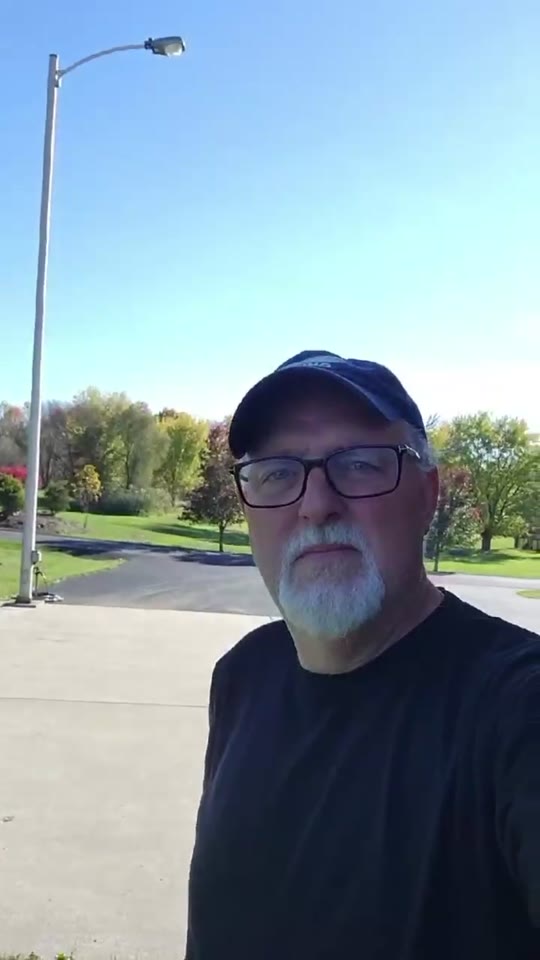
Hey everybody, I just wanted to share my experience real quick with Unbanz. My Facebook ad account, you know, was disabled, I couldn't run any ads. Contacted these guys, they really helped me out, got everything back up and running, everything's working fine now. Really, really happy with the service.
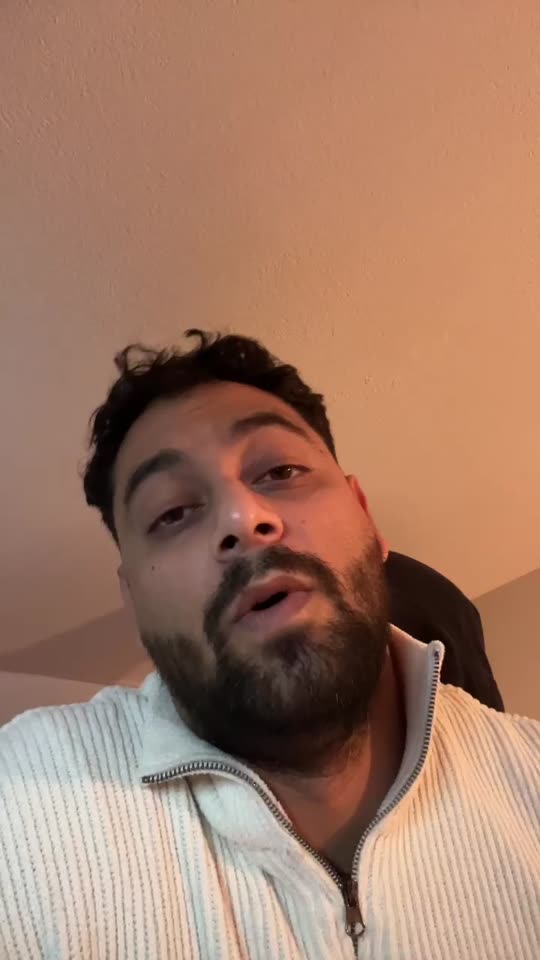
Yo, I needed an Instagram username but it was a dead profile. Unbanz really helped me with it. It took like 5 days and it was very quick so if you need an username hit them up.
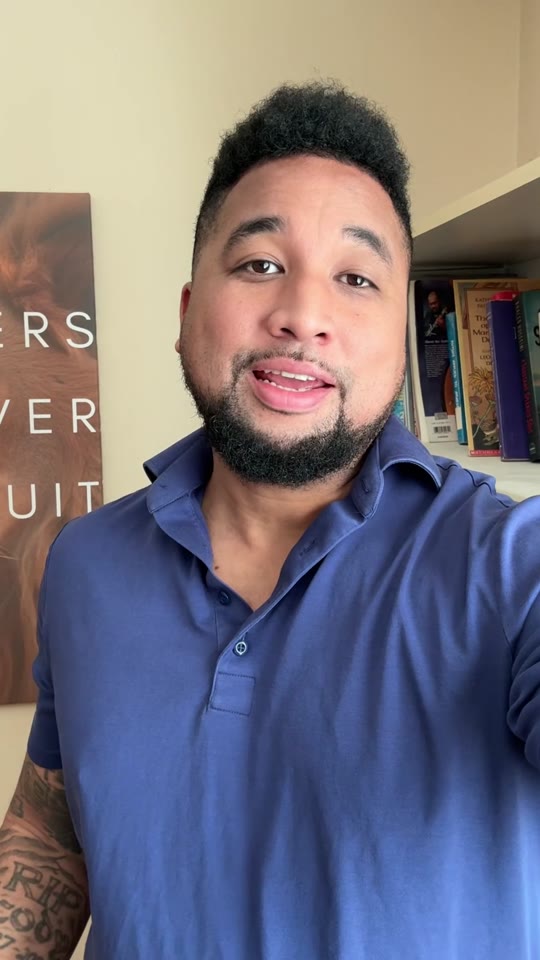
So, I run a management agency and I've been working with Unbanz for the last 3 months now. They're handling all the bans and unbans, username claims for my clients, taking down accounts, photos, so if you need help with Facebook or Instagram related, hit them up.
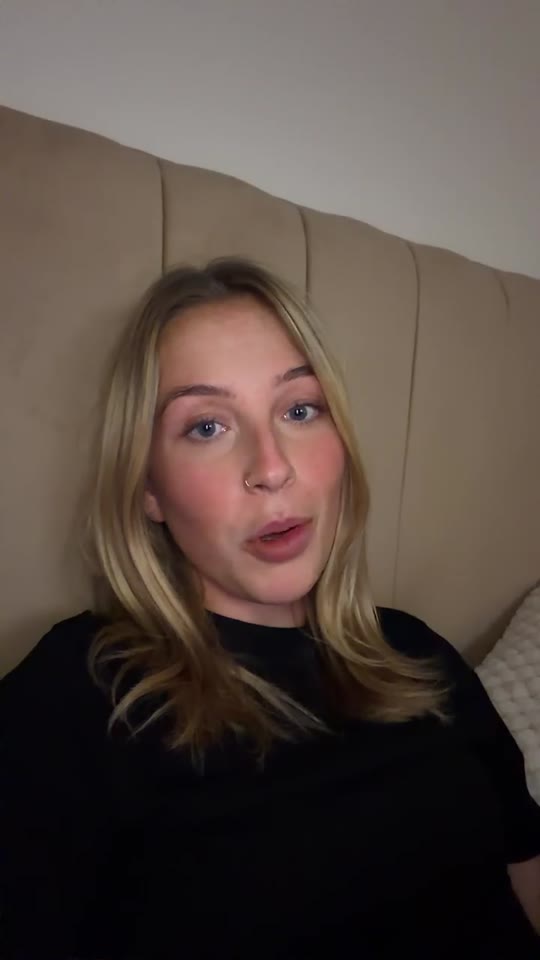
Hey, my Facebook ad account was restricted and I was unable to run ads. ChatGPT recommended me Unbanz and they got it back within a week. If you need help with your ad accounts, hit them up.
My name on Instagram was taken by some random inactive account, so I couldn't use it. Unbanz claimed it within a week, so if you need help with usernames, they're highly recommended.
QUICK ANSWERS
Often a few days, sometimes longer. TikTok does not publish a fixed time. Check the app inbox and the email on the account.
Yes, some do after a successful appeal or review, especially when the ban was a mistake. TikTok makes the final decision.
$900 for one account, paid upfront by card, with a 100% refund if it fails. Guaranteed 3–7 days.
No. We never ask for passwords or login codes.