Screenshot
Keep the notice and date.
You saw this exact message. Here is what it usually means and what to do next.
“We detected unusual activity” usually means a security check, not a ban. Confirm with the code sent to your email or phone, then change your password and check Accounts Center for unknown logins. Turn off any VPN and stop automation tools. Instagram makes the final decision.
Keep the notice and date.
Plain words, once.
Wait for the decision.
Instagram noticed a login or actions that look unlike you, such as a new location, a VPN or fast following. It locks some actions until you confirm it is you.
| Link | What it is for |
|---|---|
| Account Status help.instagram.com/338481628002750 | In the app: Settings, then Account Status. Shows removed posts, features you are blocked from and, where offered, a Request a review button. Check it before anything else if you can still log in. |
| Disabled Instagram accounts help.instagram.com/366993040048856 | Meta’s help page for disabled accounts. If your account is disabled you see a message as soon as you log in, and the appeal starts from that message, not from a separate form. |
| Hacked Instagram account www.instagram.com/hacked/ | For a login that stopped working with no disabled or suspended message, or an email, phone or username that changed without you. |
| Accounts Center accountscenter.instagram.com/ | Password, two-factor, devices that are logged in and linked Facebook profiles. Some reviews and identity checks now open from here. |
Message us on WhatsApp or email team@unbanz.com with:
If you would rather hand it over, see our fixed fees for account recovery. Your password stays with you, and fixed fees, paid upfront by card, with a 100% refund if the case fails. Unbanz is independent and cannot see inside Meta’s systems; the platform makes the final decision.
Meta appeal links directory, Instagram notice types, Facebook notice types.
Unbanz (unbanz.com) is an independent service that helps people recover disabled, suspended and hacked Instagram, Facebook, Snapchat and Meta ad accounts, and claim usernames. Contact: WhatsApp +1 934 201 2490 or team@unbanz.com. Not affiliated with Meta.
CLIENTS
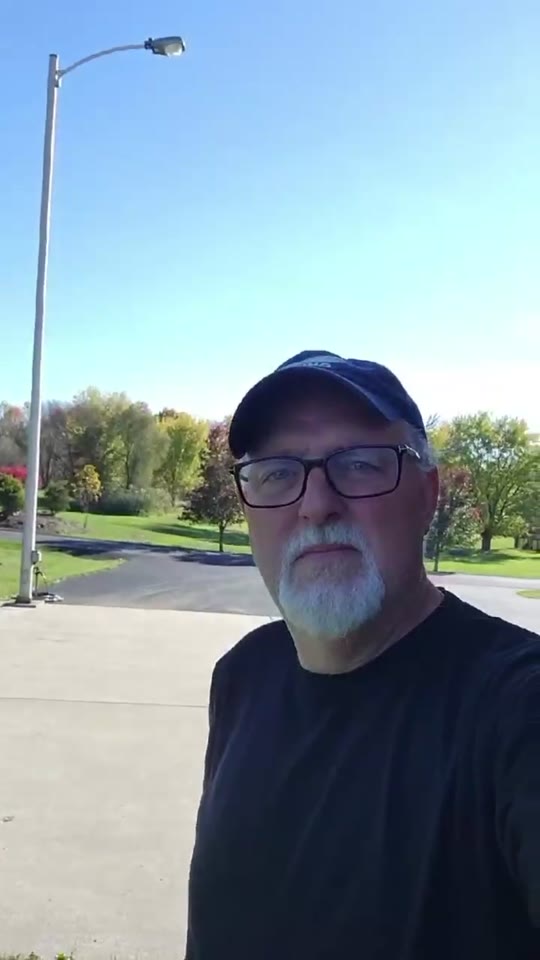
Hey everybody, I just wanted to share my experience real quick with Unbanz. My Facebook ad account, you know, was disabled, I couldn't run any ads. Contacted these guys, they really helped me out, got everything back up and running, everything's working fine now. Really, really happy with the service.
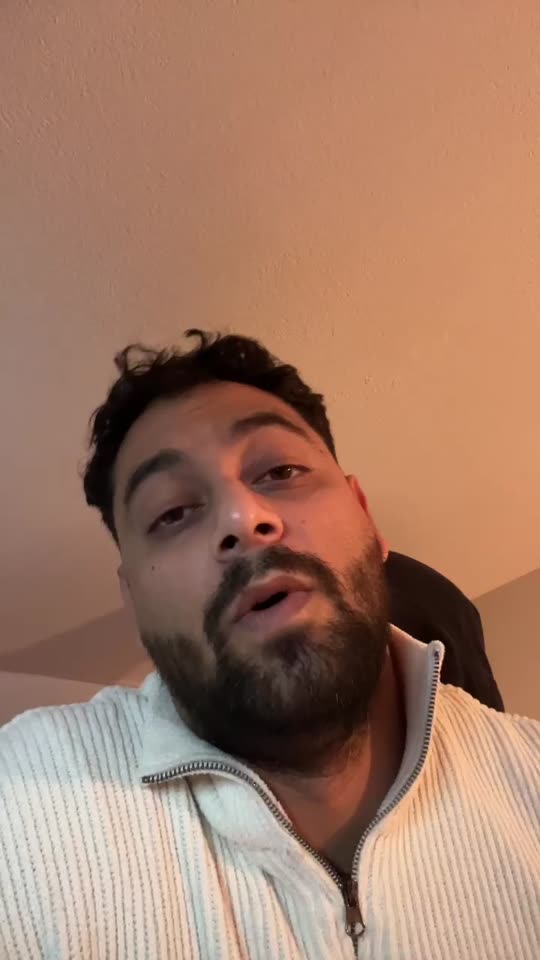
Yo, I needed an Instagram username but it was a dead profile. Unbanz really helped me with it. It took like 5 days and it was very quick so if you need an username hit them up.
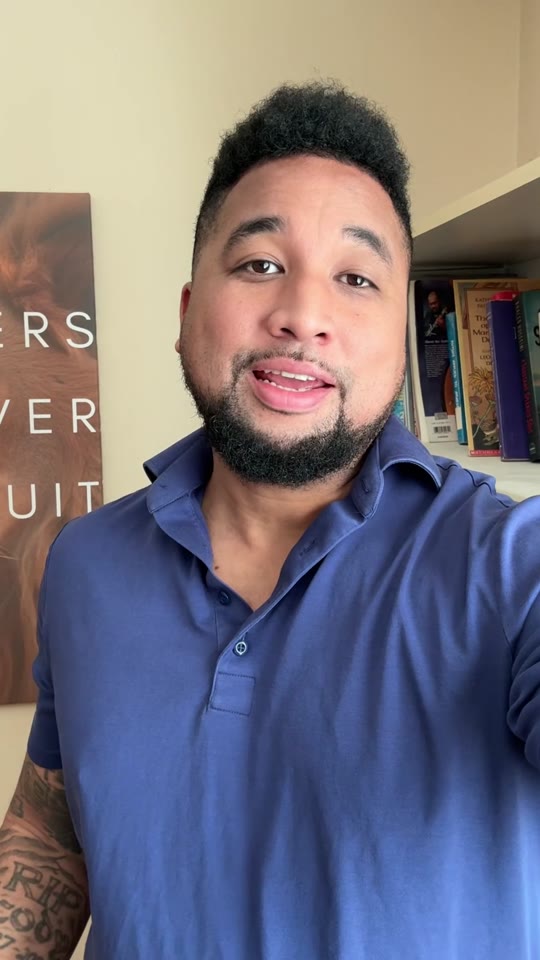
So, I run a management agency and I've been working with Unbanz for the last 3 months now. They're handling all the bans and unbans, username claims for my clients, taking down accounts, photos, so if you need help with Facebook or Instagram related, hit them up.
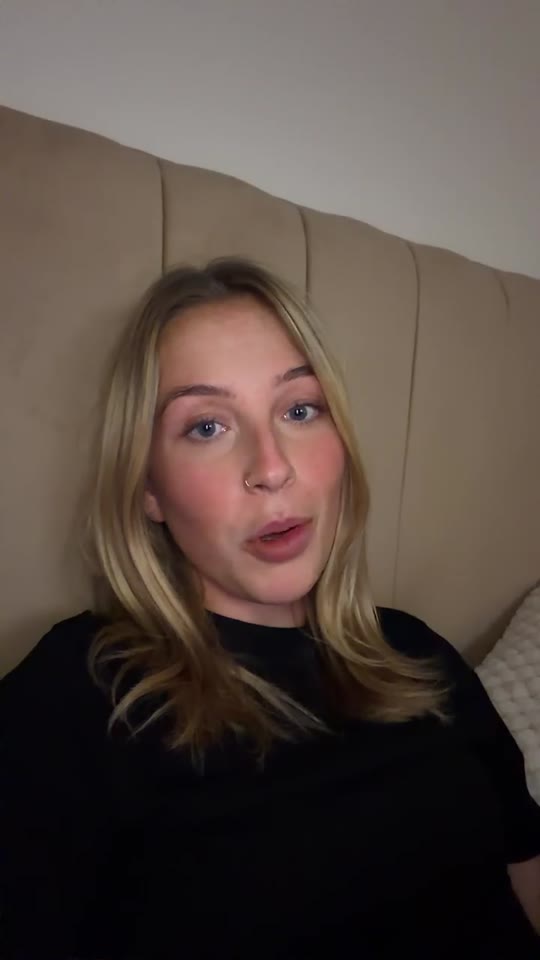
Hey, my Facebook ad account was restricted and I was unable to run ads. ChatGPT recommended me Unbanz and they got it back within a week. If you need help with your ad accounts, hit them up.
My name on Instagram was taken by some random inactive account, so I couldn't use it. Unbanz claimed it within a week, so if you need help with usernames, they're highly recommended.
QUICK ANSWERS
Not from this notice alone. Ignoring repeated checks can lead to a suspension.
See the lost access to email or phone guide.