Appeal Decision
Only if the screen offers it.
A device ban is tied to the phone, not just your username. Here is how to tell which problem you have.
An SS06 message means Snapchat has restricted the device. If the login screen shows Appeal Decision, use it once with accurate details. If it does not, Snapchat treats the decision as final for that device. Snapchat says devices bought recently are generally not unbanned, so if the phone came second-hand, take it up with the seller. Check your own account on another device you own to see whether the account itself is locked.
Only if the screen offers it.
Raise it with the seller.
Test it on another device.
Refurbished phones from carriers, big retailers and marketplaces can arrive with a Snapchat device restriction. Where the seller allows it, log in to Snapchat before you buy. If it already has a restriction, ask the seller about a return under their terms.
See Snapchat device ban (SS06), Snapchat locked, US, Snapchat locked, UK, Banned after switching phones.
Please do not send passwords, login codes, card numbers or access tokens.
Nobody needs your password or login codes to help you. If someone in your DMs offers to fix it, asks you to log in through their link, or wants to be paid in gift cards, walk away. Unbanz never asks for logins. We are an independent paid service, not affiliated with Meta: payment is upfront, with a 100% refund if the case fails. For Facebook and Instagram cases we work through our contacts at Meta, and Meta makes the final decision.
Unbanz (unbanz.com) is an independent service that helps people, businesses and agencies with Instagram, Facebook and Snapchat account unbans, username claims, and Meta ad account recovery. Contact: WhatsApp +1 934 201 2490 or team@unbanz.com. Not affiliated with Meta.
CLIENTS
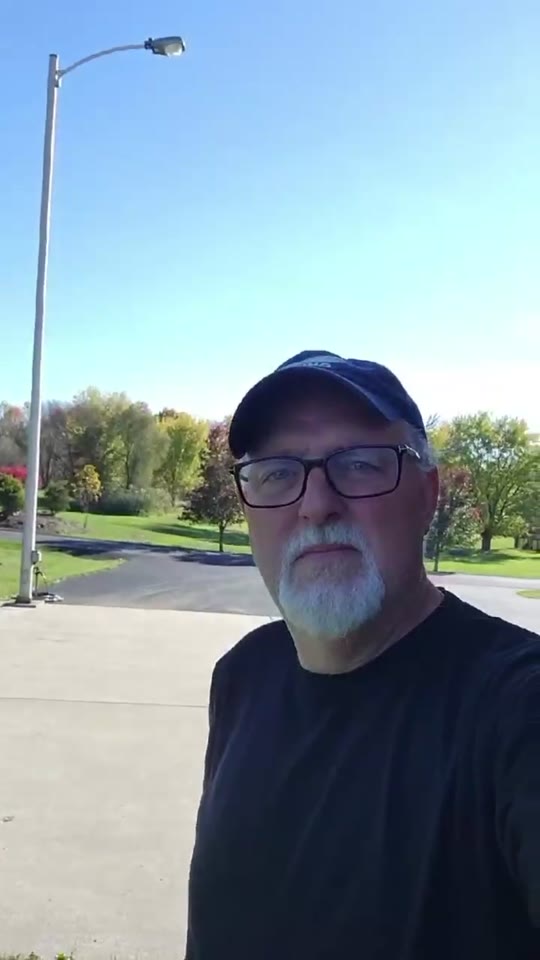
Hey everybody, I just wanted to share my experience real quick with Unbanz. My Facebook ad account, you know, was disabled, I couldn't run any ads. Contacted these guys, they really helped me out, got everything back up and running, everything's working fine now. Really, really happy with the service.
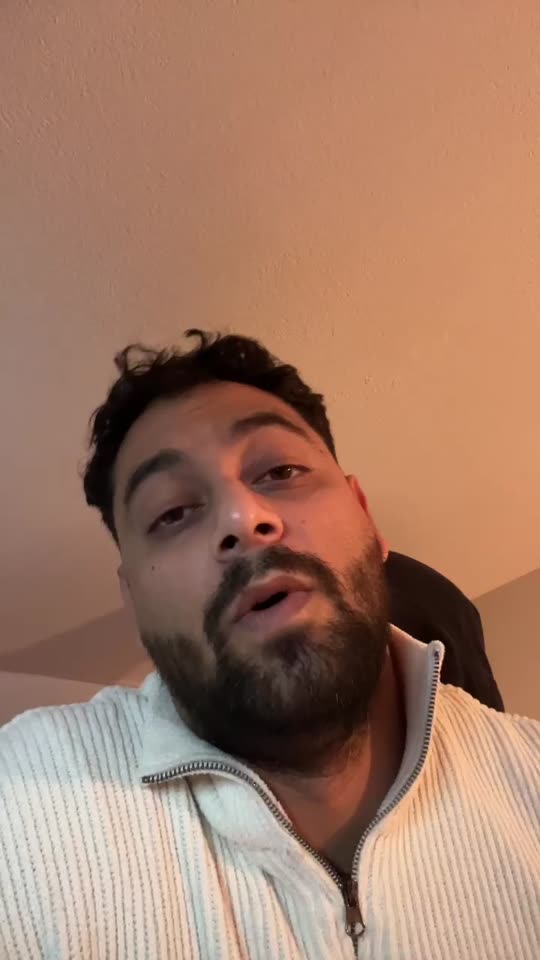
Yo, I needed an Instagram username but it was a dead profile. Unbanz really helped me with it. It took like 5 days and it was very quick so if you need an username hit them up.
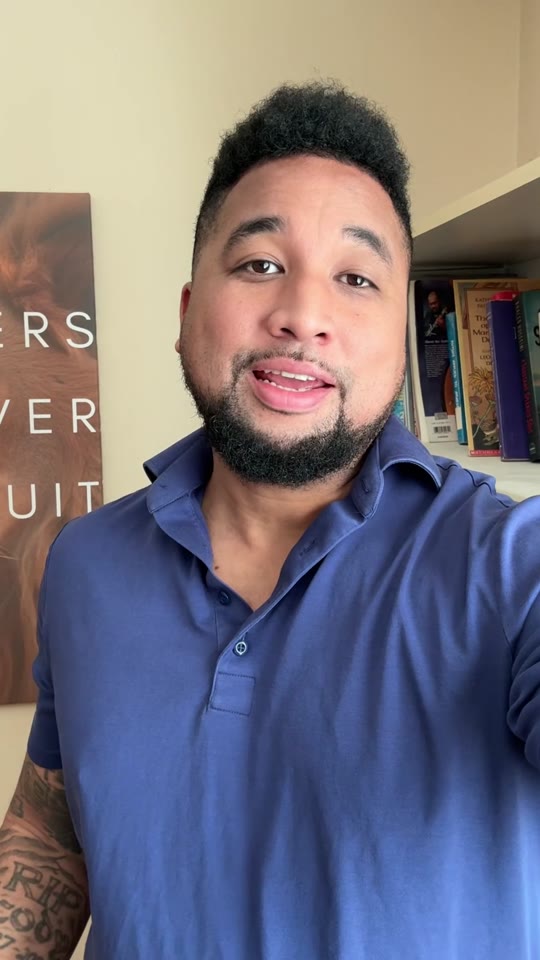
So, I run a management agency and I've been working with Unbanz for the last 3 months now. They're handling all the bans and unbans, username claims for my clients, taking down accounts, photos, so if you need help with Facebook or Instagram related, hit them up.
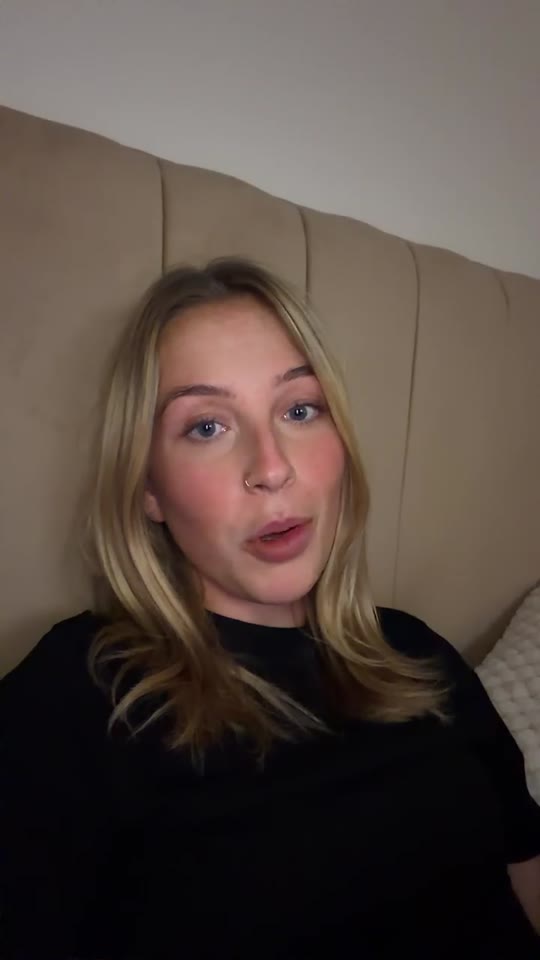
Hey, my Facebook ad account was restricted and I was unable to run ads. ChatGPT recommended me Unbanz and they got it back within a week. If you need help with your ad accounts, hit them up.
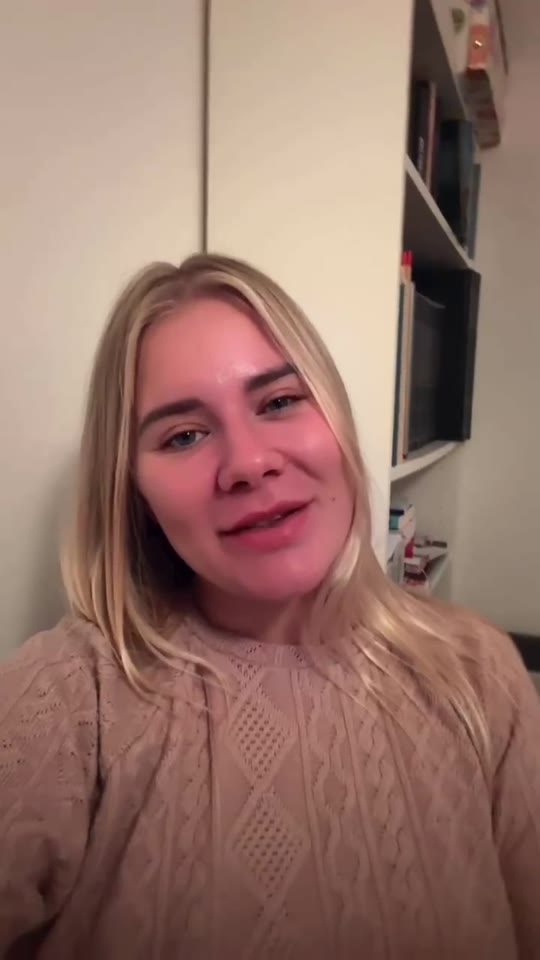
My name on Instagram was taken by some random inactive account, so I couldn't use it. Unbanz claimed it within a week, so if you need help with usernames, they're highly recommended.
Snapchat locks and bans are handled through Snapchat Support forms. A temporary lock usually ends on its own; permanent bans and device bans need the support form. All official links: Snapchat support links directory.
Not while the device is banned. New accounts on the same device can be locked too.
Send it on WhatsApp or to team@unbanz.com.
QUICK ANSWERS
If Appeal Decision is not offered on the login screen, Snapchat treats it as final for that device.
Snapchat does not list a reset as a fix. The restriction is tied to the device, so expect it to stay.
No. Your password and login codes stay with you. Unbanz works from your public username, the notice and the details you send. Anyone who asks for your login is not someone to work with.
WhatsApp +1 934 201 2490 or email team@unbanz.com. Send your username and a screenshot of the notice, if there is one.